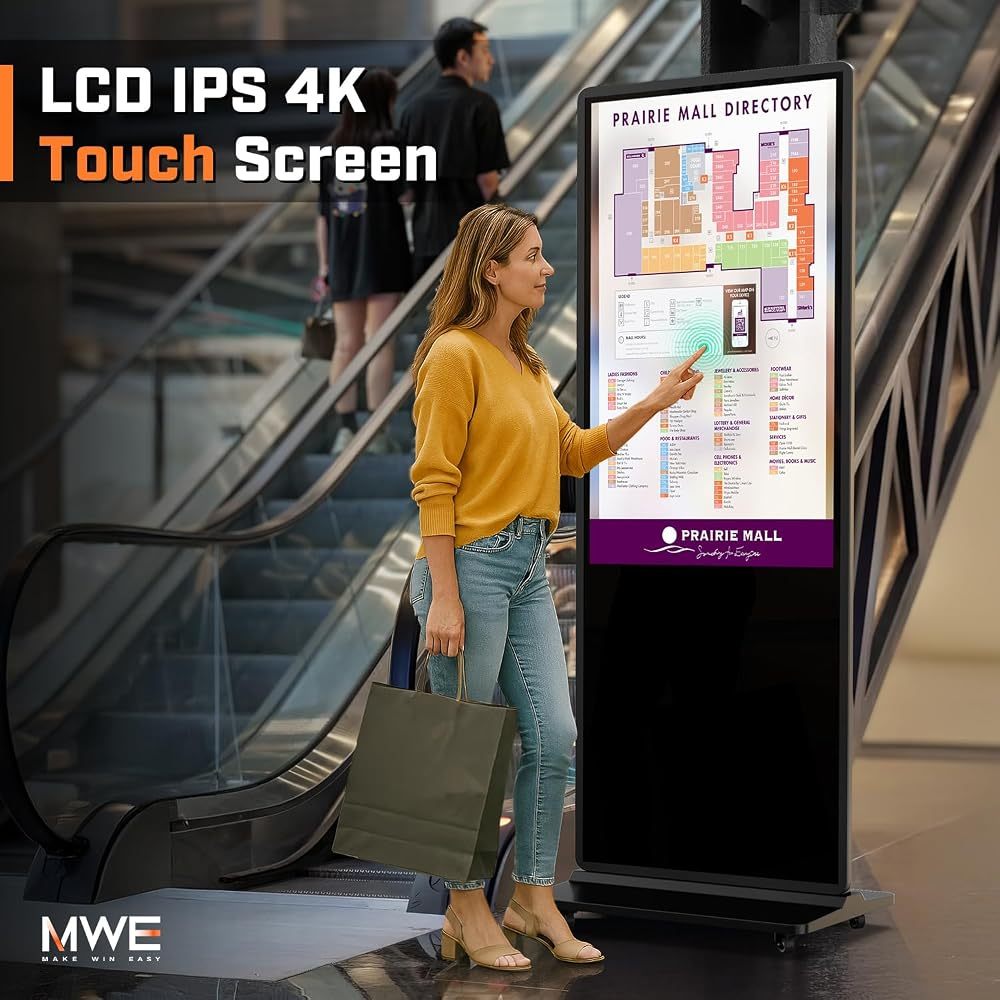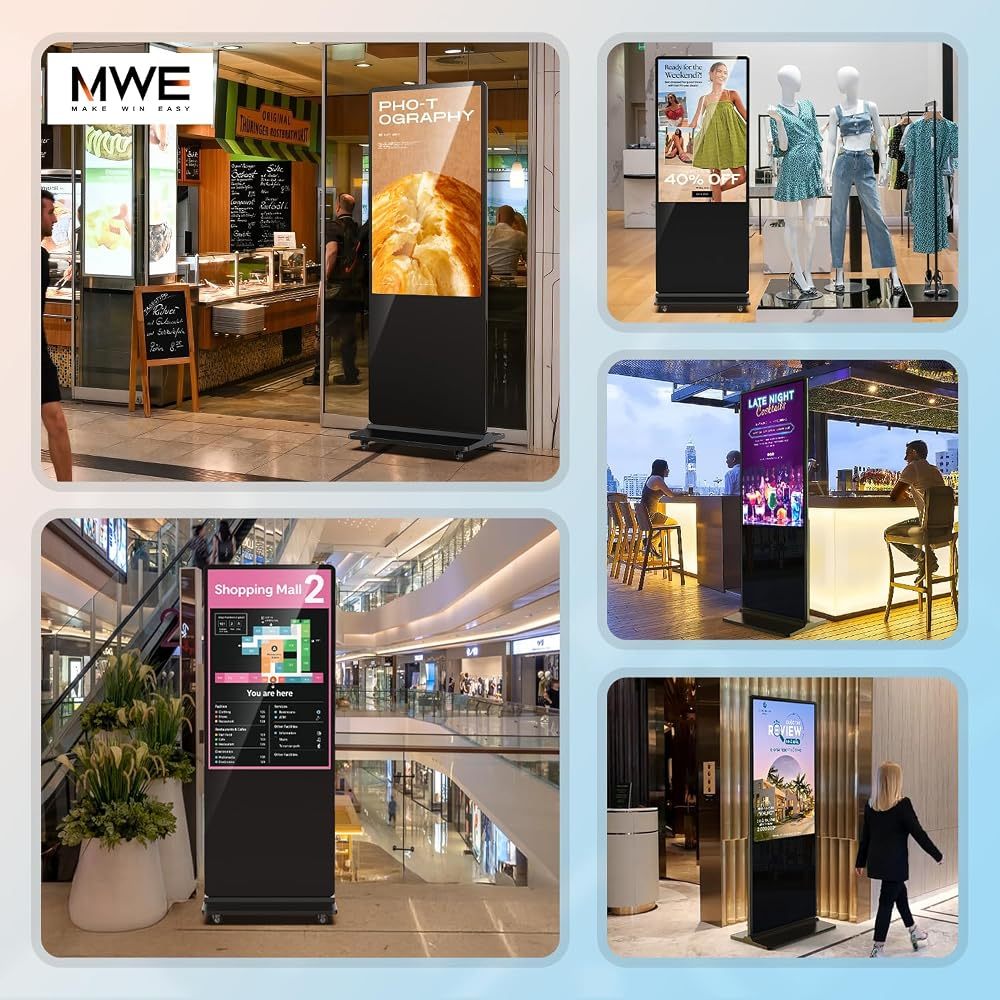
A digital signage kiosk is a free-standing commercial screen that plays adverts, menus or announcements on its own — no PC, no cables across the floor. Put it at an entrance, a counter or in a shop window and it works all day as a moving poster.
What is a digital signage kiosk?
Most floor-standing kiosks combine three things in one housing: a commercial LCD panel (usually in portrait orientation), a built-in Android media player and a stable base or wheels. You load images and videos once, and the kiosk plays them on a loop, in split-screen layouts and on a schedule. Unlike a TV on a stand, a kiosk is designed for long daily operation, starts playing automatically after a power cut and is built to be seen from several metres away.
Floor-standing, window or vertical?
- Floor-standing digital signage — the classic totem for lobbies, shop floors, restaurants and malls. Freestanding, easy to move and visible above crowds.
- Window digital signage — screens facing a shop window need far more brightness (around 1000 nits) to stay readable in daylight. Ceiling-mounted or floor-standing.
- Vertical digital signage — the portrait format matches posters and phone videos, which makes it the most common choice for adverts and menus.
Which size do you need?
- 32 inches — clinics, receptions, small boutiques, close viewing.
- 43 inches — the all-rounder for shops, restaurants and offices.
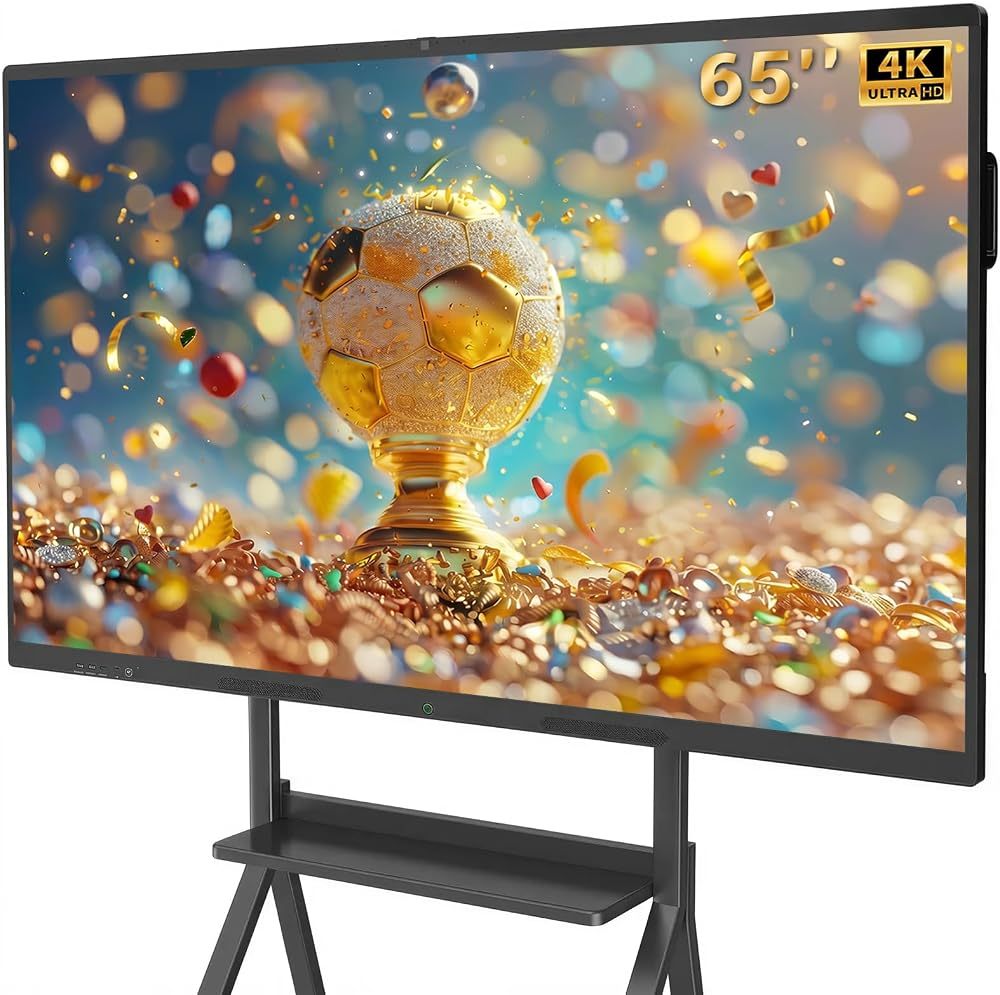
- 55–65 inches — entrances, showrooms and malls where people pass at a distance.
- 75–85 inches — large lobbies and venues that need billboard impact.
Features worth paying for
- 4K or FHD IPS panel with a wide viewing angle, so content stays sharp from the side.
- USB auto-play — plug in a stick and content starts by itself.
- App or CMS publishing to update content remotely. See how Android digital signage works.
- Timer on/off to match your opening hours and save power.
- Touchscreen only if visitors need to interact — read our touch screen kiosk guide.
Our picks
The QIXZOCV MWE 43-inch 4K kiosk is the best starting point for most businesses. Choose the 65-inch for larger spaces, and the 1000-nit window display if the screen faces the street. Wondering about budget? See how much digital signage costs.
Recommended QIXZOCV Models
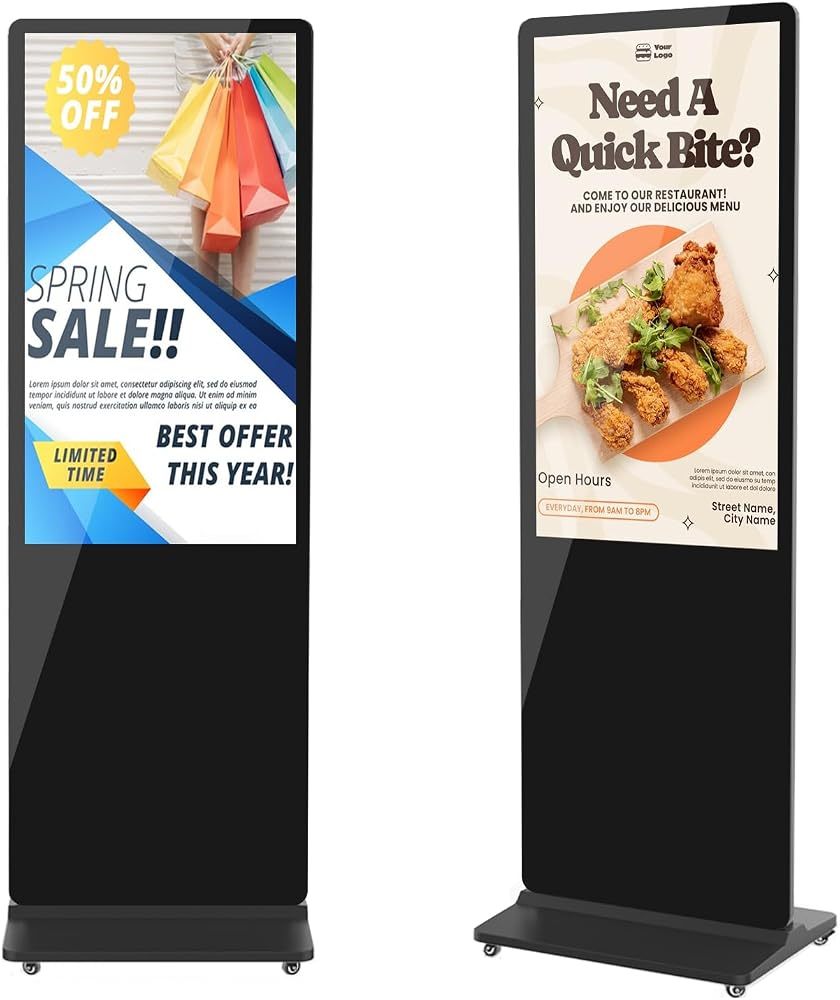
QIXZOCV MWE 43-Inch 4K Digital Signage Kiosk
- 43" 4K UHD
- Vertical poster format
- Timed on/off
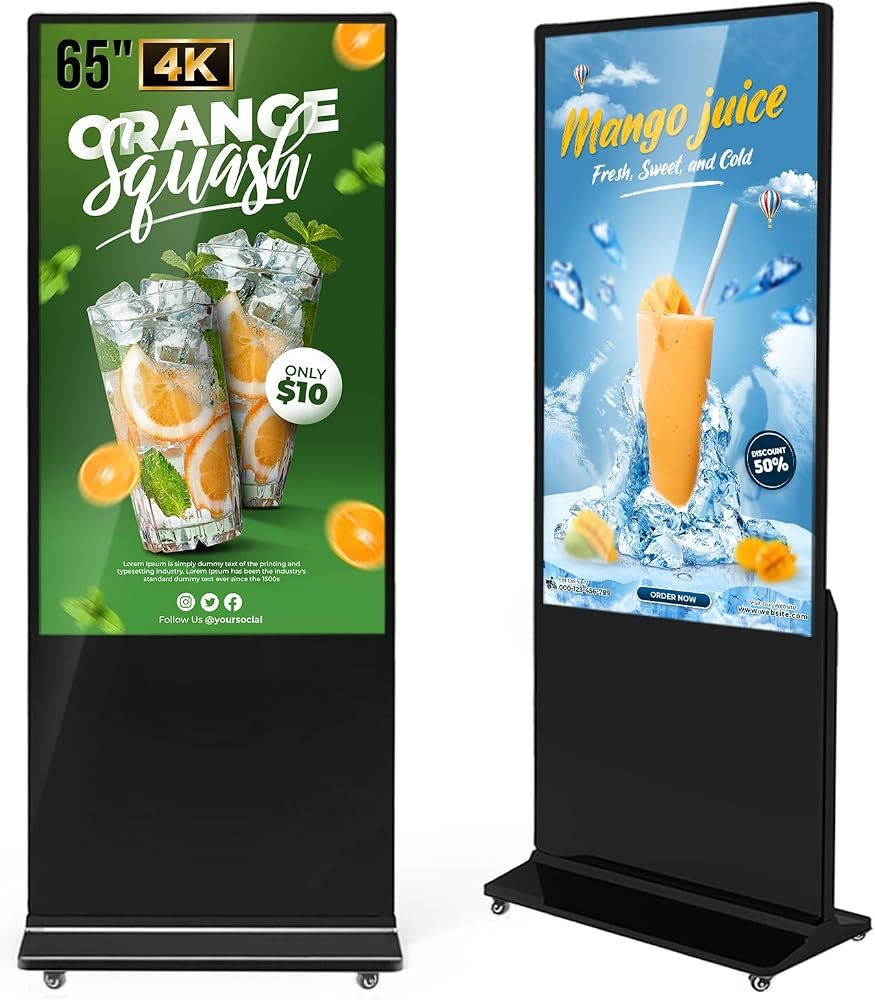
QIXZOCV MWE 65-Inch 4K Digital Signage Kiosk
- 65" 4K UHD
- Android media player
- Touch or non-touch
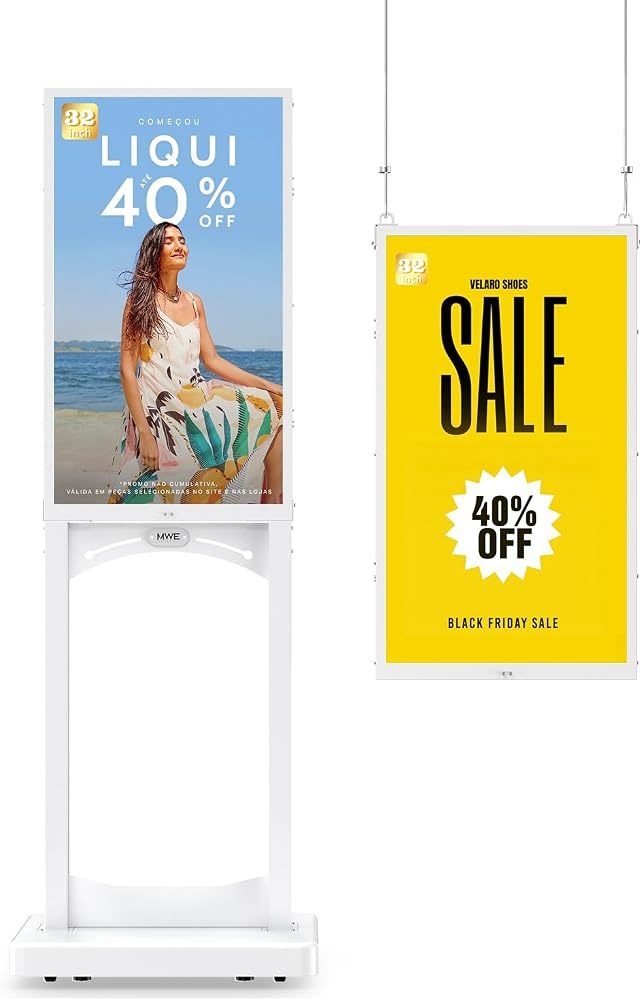
QIXZOCV MWE 32-Inch Window Display, 1000 Nits
- 1000 nits
- Floor or ceiling mount
- LEDArt app