The cost of digital signage comes down to four things: the screen, the software, the content and the installation. For a single small-business screen the total can stay surprisingly modest; costs grow with size, touch, brightness and the number of locations.
1. Hardware
- Consumer TV + media stick — the cheapest start, but not built for all-day use and often voids the TV warranty for commercial use.
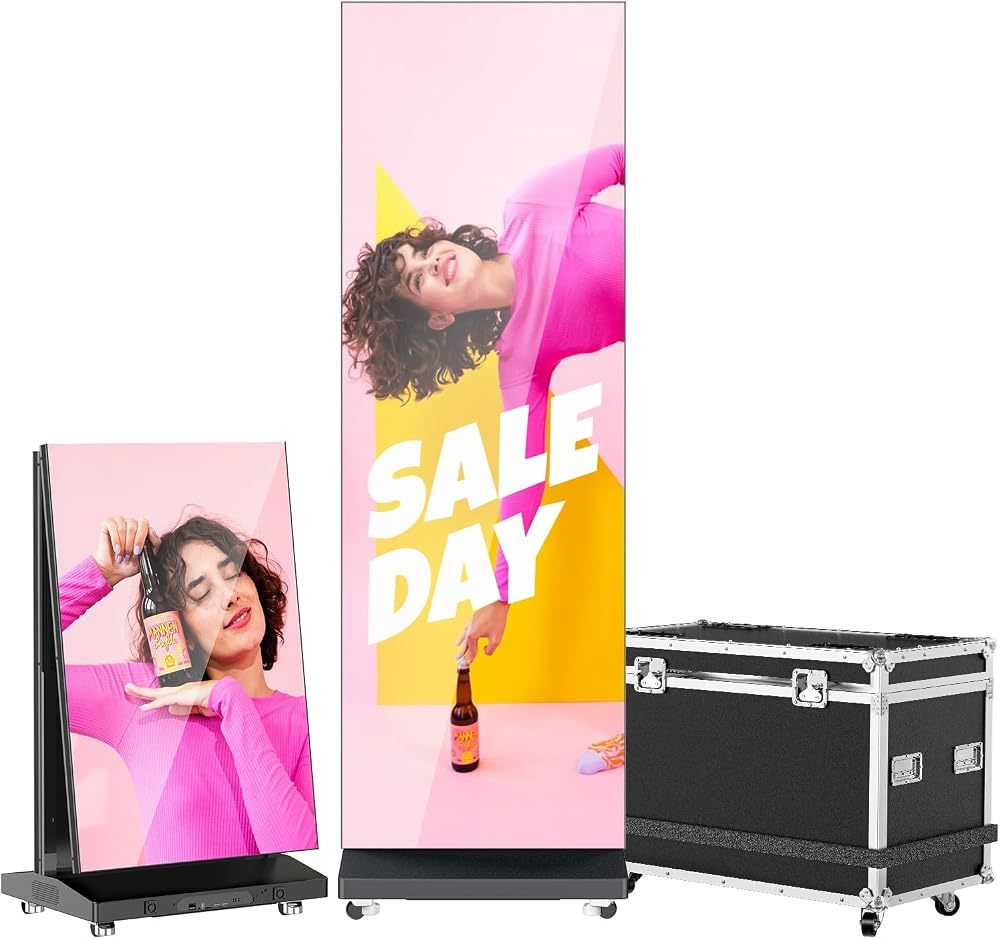
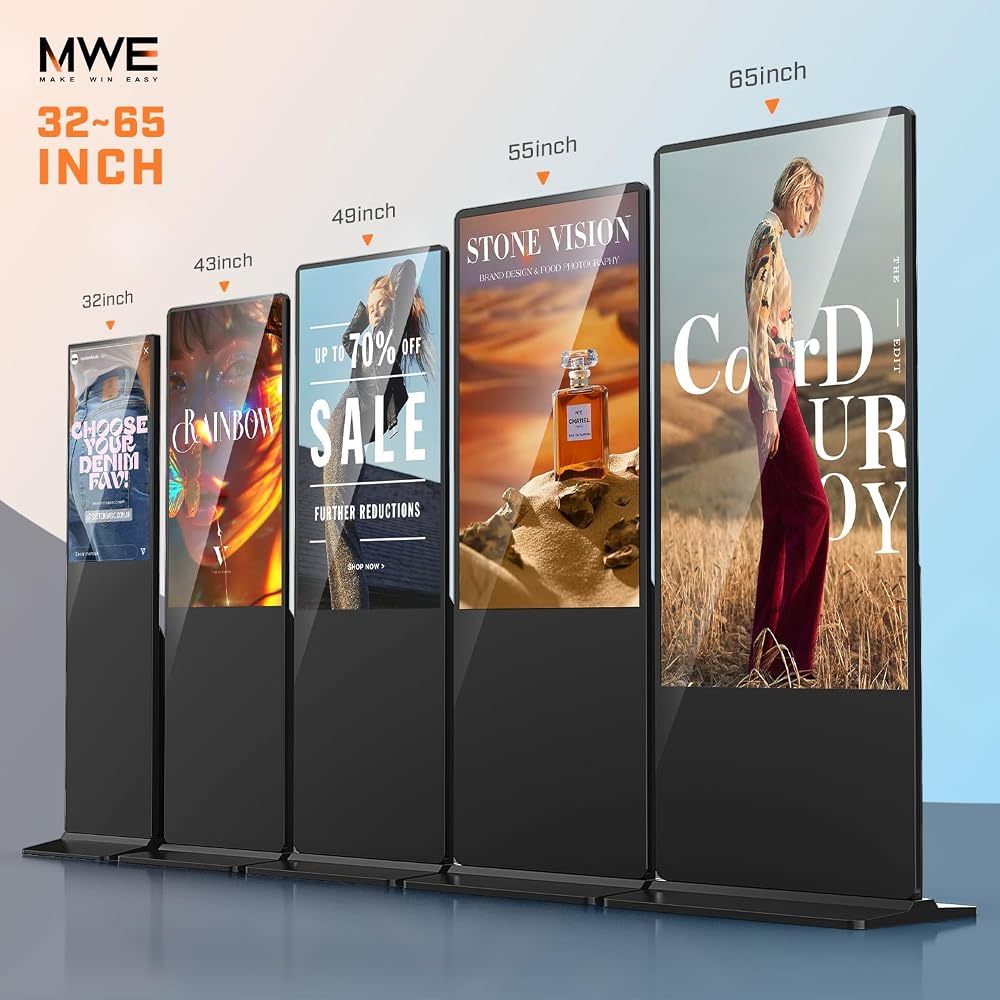
- Floor-standing digital signage kiosk — an all-in-one commercial screen with a built-in player, stand and scheduling. Price rises with size (32 → 85 inches), 4K, touch and brightness.
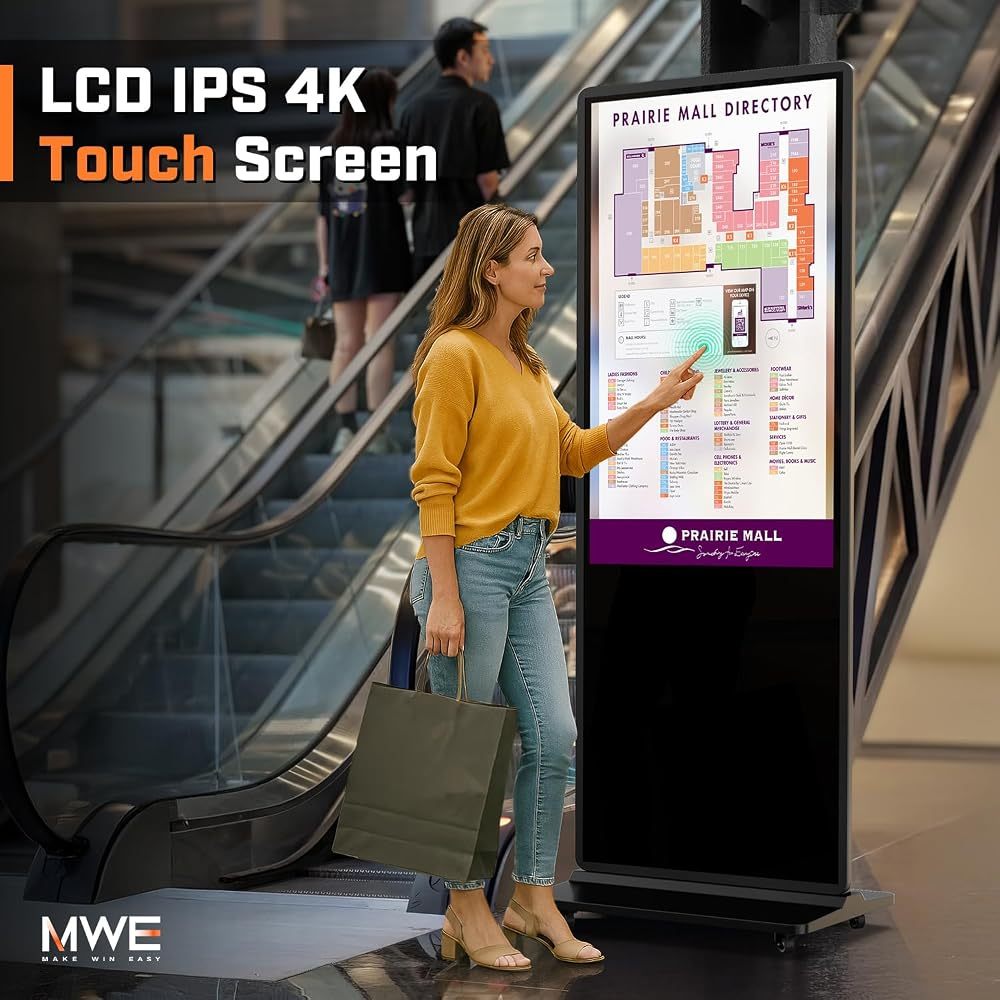
- Touch screen kiosks — cost more than non-touch models of the same size.
- High-brightness and outdoor screens — window (1000 nits) and outdoor (2000+ nits, IP55) models are the most expensive per inch.
Current prices for each QIXZOCV model are shown on Amazon — use the buttons below to compare sizes.
2. Software
Android kiosks usually include a free player and a phone app, so a single screen can run with no software fees at all. Cloud CMS platforms for multiple locations typically charge a monthly fee per screen. More in Android digital signage setup.
3. Content
You can design slides yourself with free online design tools, or pay a designer for a set of templates. Video content costs more but performs best.
4. Installation and running costs
- Floor-standing kiosks need no installation — just a power socket and Wi-Fi.
- Wall and ceiling mounts may need an installer.
- Electricity is low: use the timer to switch off outside opening hours.
How to keep the budget low
- Start with one screen in the highest-traffic spot.
- Choose non-touch unless visitors really need to interact.
- Pick the right brightness: indoor panels cost far less than window or outdoor ones.
- Use free publishing tools before paying for a CMS.
Digital signage for retail stores
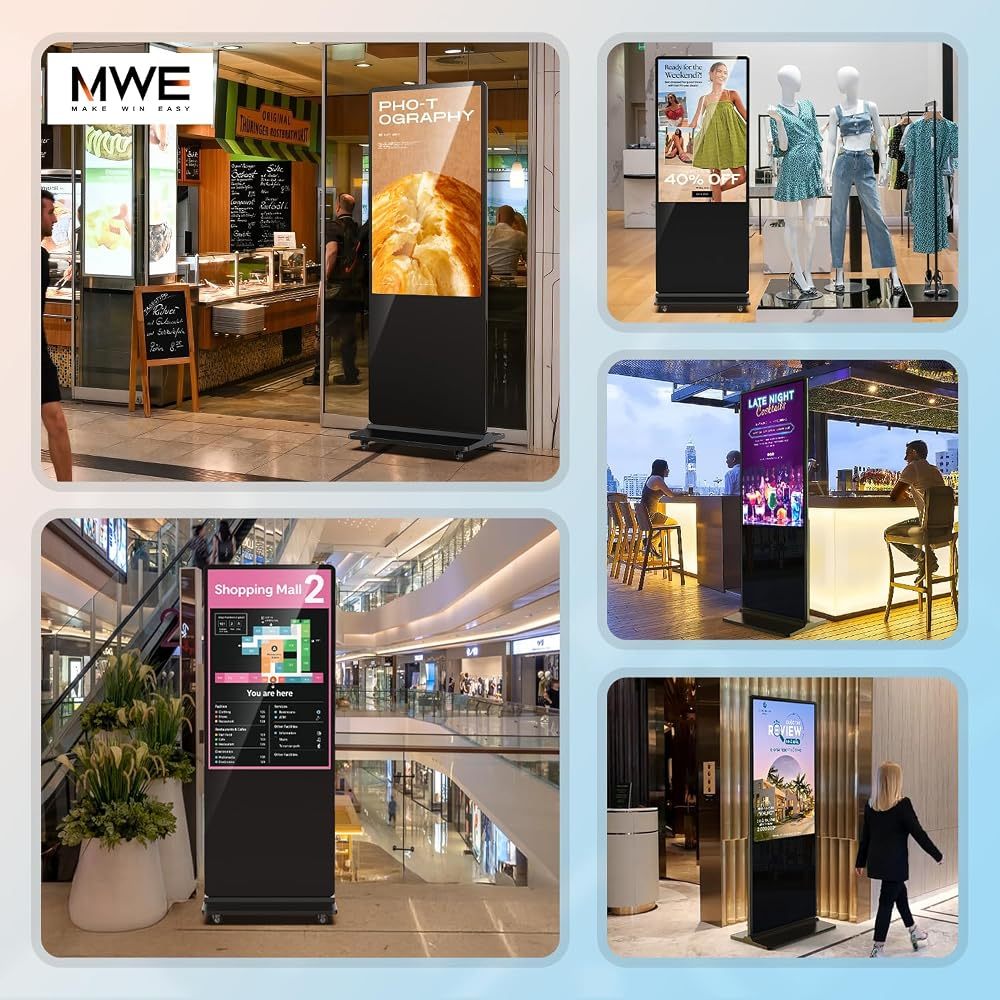
For a typical shop, one 43-inch kiosk at the entrance and an optional 32-inch screen near the till cover most needs. Read the kiosk buying guide to pick sizes.
Recommended QIXZOCV Models
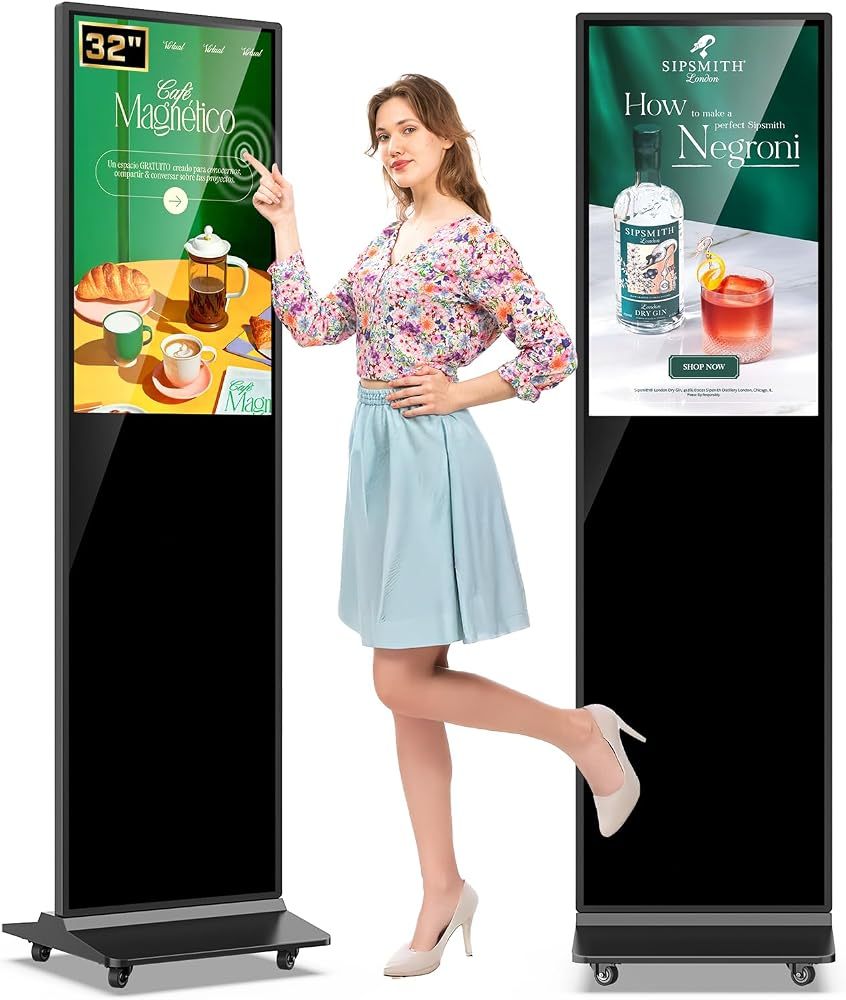
QIXZOCV MWE 32-Inch Touchscreen Kiosk
- 32" FHD touchscreen
- Compact footprint
- Black or white
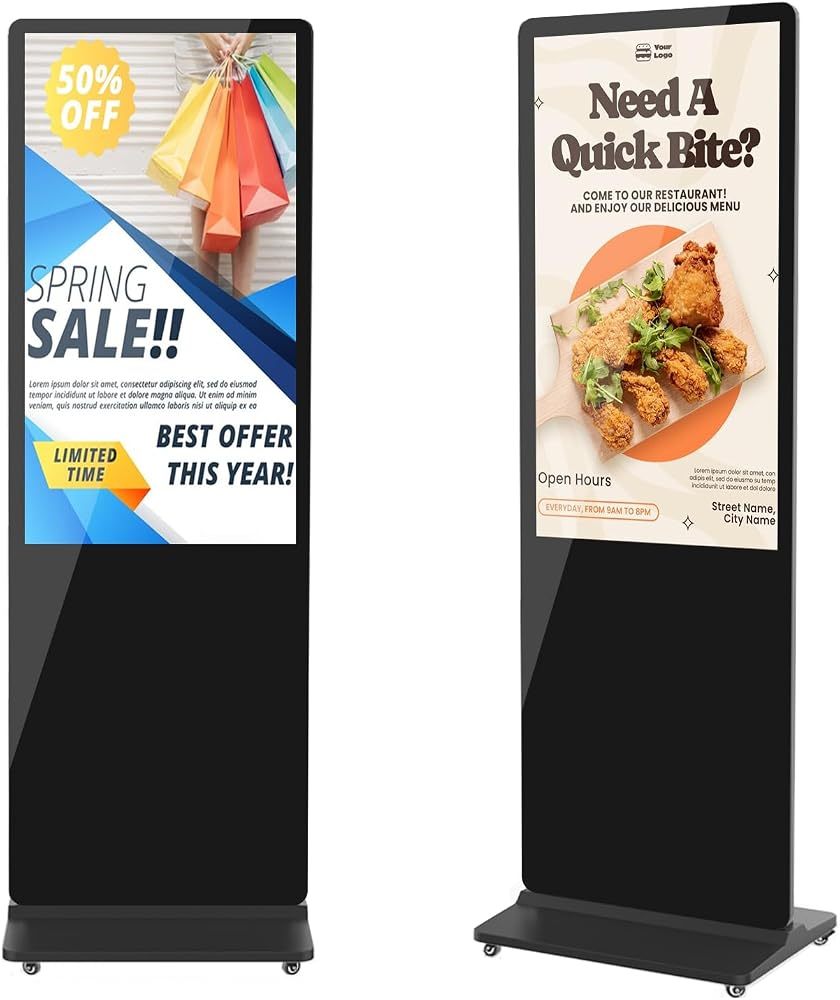
QIXZOCV MWE 43-Inch 4K Digital Signage Kiosk
- 43" 4K UHD
- Vertical poster format
- Timed on/off
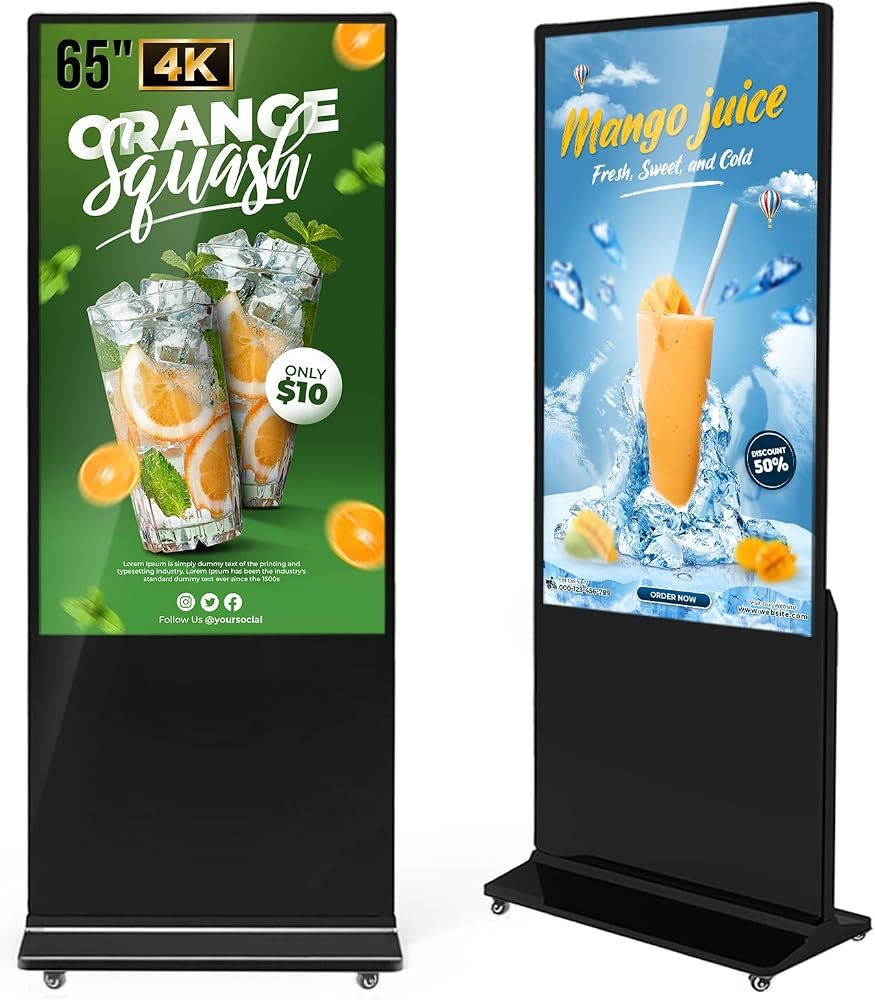
QIXZOCV MWE 65-Inch 4K Digital Signage Kiosk
- 65" 4K UHD
- Android media player
- Touch or non-touch