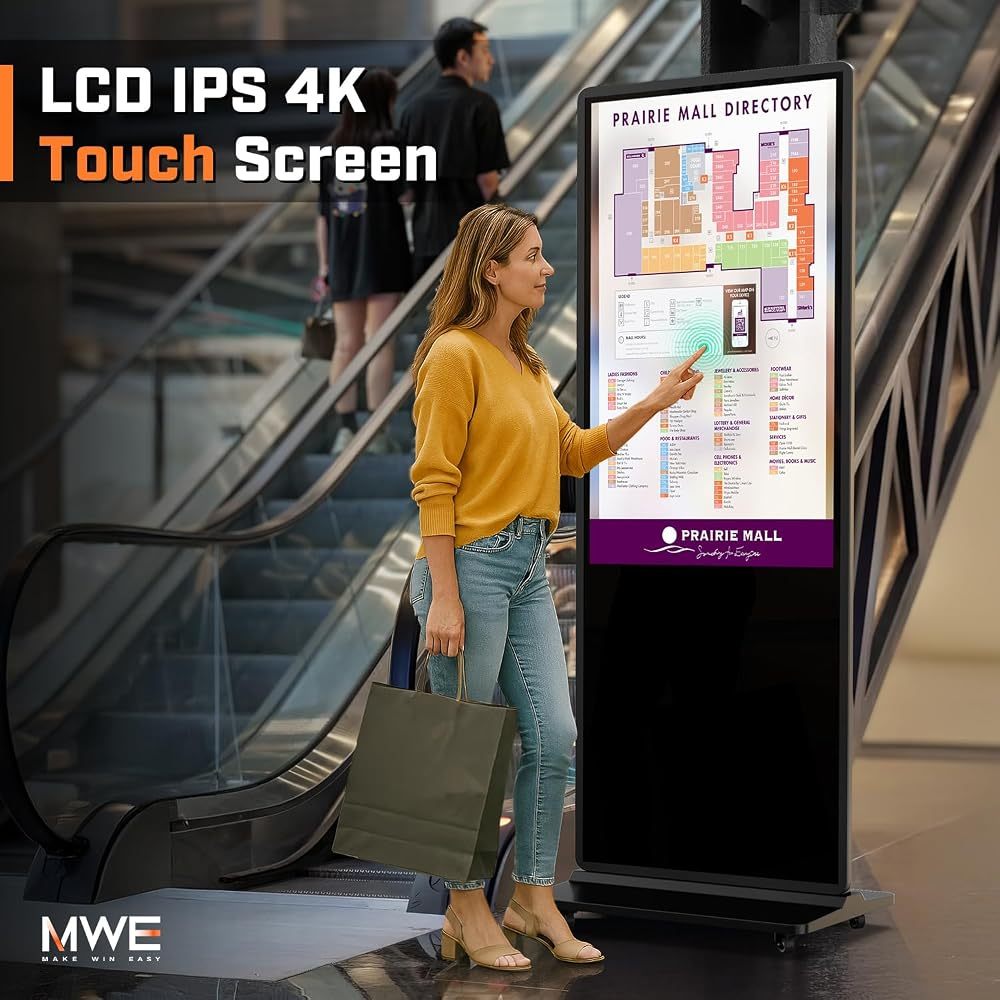
An interactive kiosk turns a screen into a self-service assistant. Visitors tap to find a store, browse products, check in or place an order — and when nobody is using it, it plays your adverts like any other digital sign.
Where touch screen kiosks pay off
- Wayfinding kiosks in malls, hospitals, campuses and office buildings — interactive maps and directories.
- Product catalogues in retail, showing sizes, colours and stock beyond what fits on the shelf.
- Visitor check-in at receptions, clinics and events.
- Self-ordering in restaurants and cafés — see digital menu boards and self-ordering kiosks.
Interactive kiosk vs regular digital signage
A non-touch kiosk broadcasts the same content to everyone. A touch screen kiosk lets each visitor find what they need, which shortens queues and frees up staff. If your content is purely promotional, a standard digital signage kiosk is the more economical choice.
What to look for
- Multi-touch (10 points or more) that responds like a phone screen.
- Tempered glass on the touch surface for heavy public use.
- Android OS so you can install web-based or dedicated kiosk apps.
- Wi-Fi and Ethernet for live data such as maps, menus or stock levels.
- Portrait orientation at a comfortable height for standing users.
Which size?
A 32-inch touch kiosk suits receptions and small shops. 43 inches is the most popular size for wayfinding and retail, and 55–65 inches works for large directories in malls and lobbies.
Our picks
The QIXZOCV MWE 43-inch 4K touchscreen kiosk is the versatile choice for directories and catalogues, the 32-inch touch kiosk fits tighter spaces, and the 43-inch self-service kiosk is built for ordering and check-in stations.
Recommended QIXZOCV Models
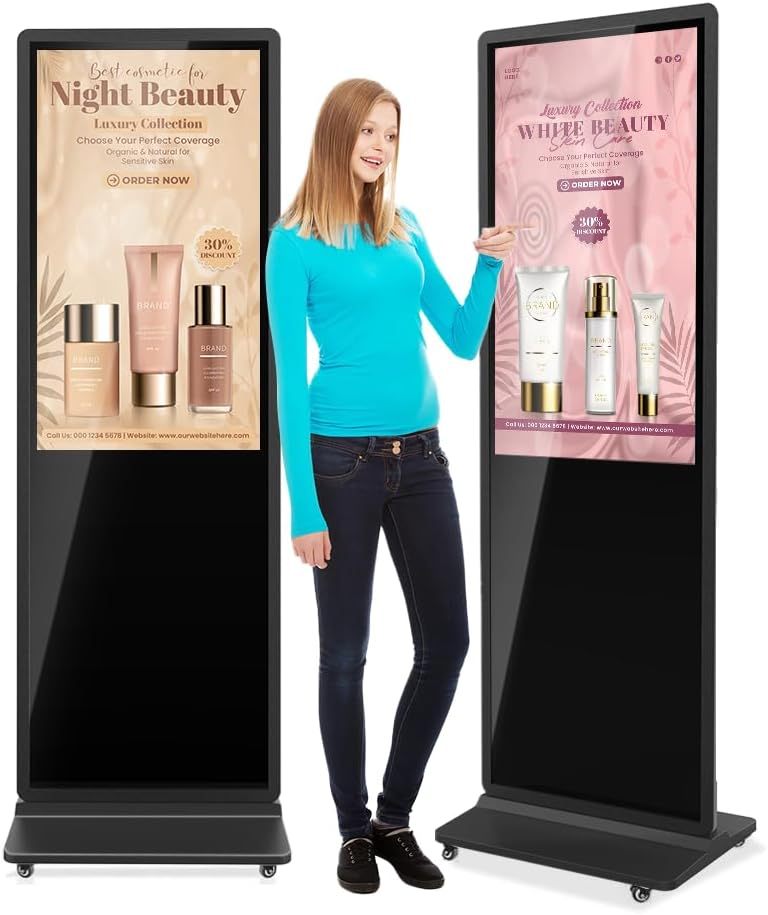
QIXZOCV MWE 43-Inch 4K Touchscreen Kiosk
- 43" 4K touchscreen
- Wayfinding & catalogues
- Android OS
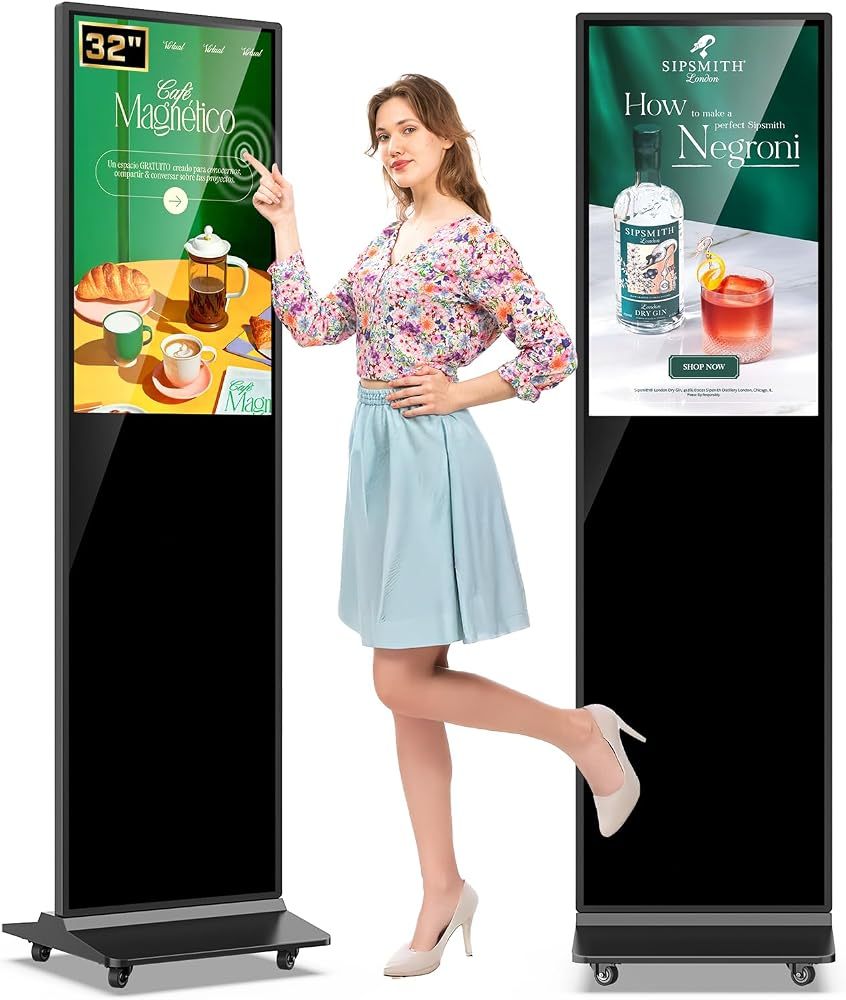
QIXZOCV MWE 32-Inch Touchscreen Kiosk
- 32" FHD touchscreen
- Compact footprint
- Black or white
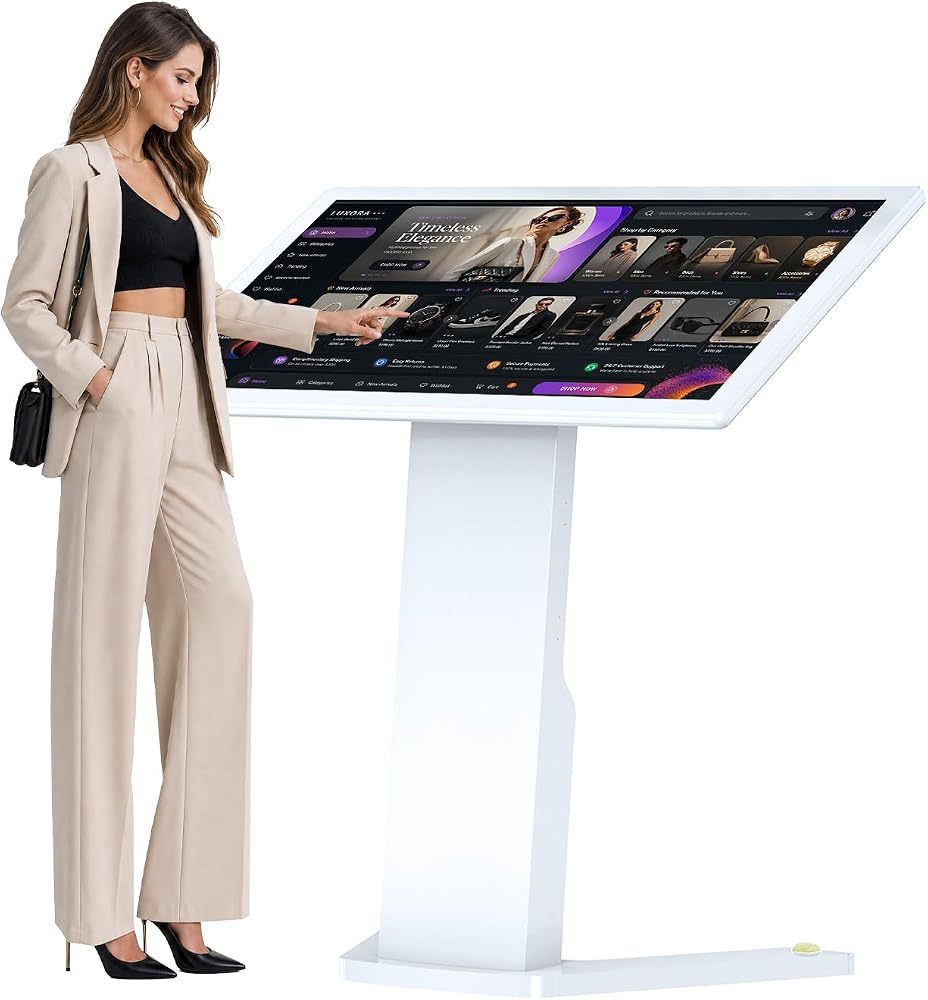
QIXZOCV 43-Inch Self-Service Touch Kiosk
- 43" FHD, 10-point touch
- Android 13
- Self-ordering & check-in