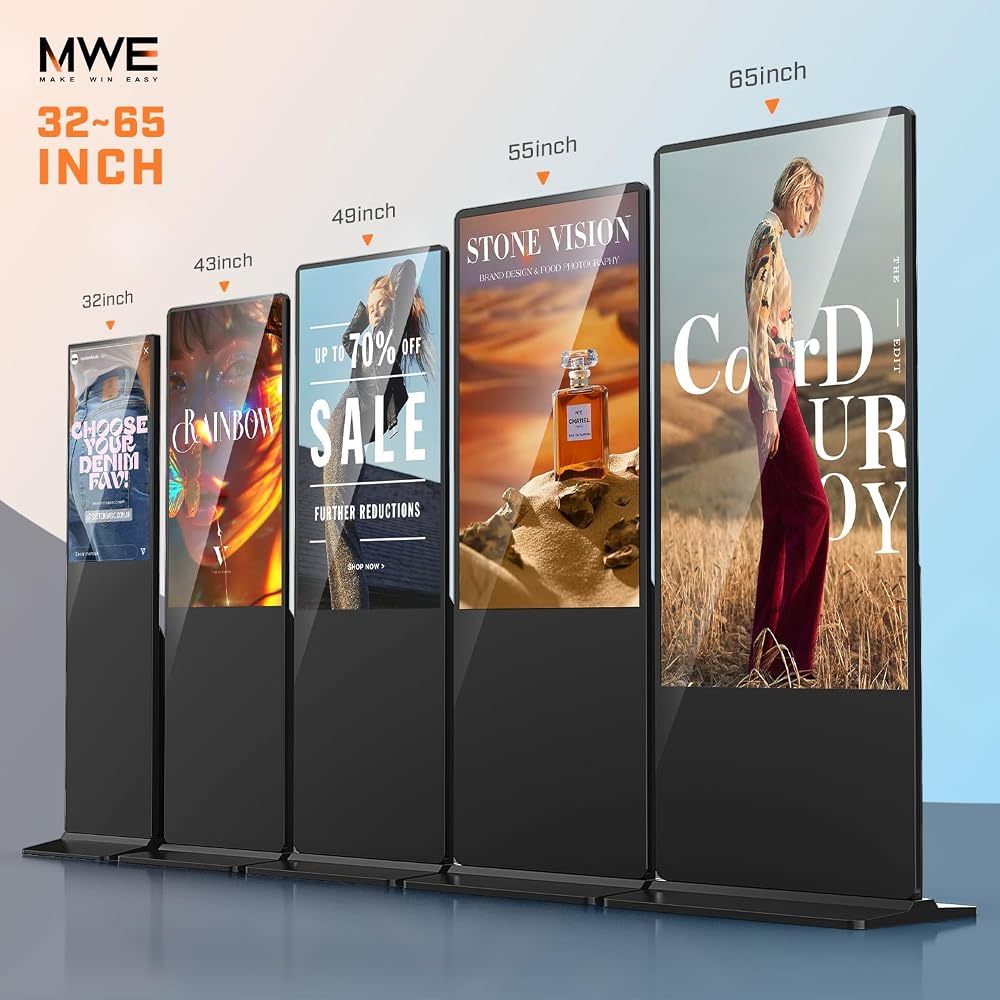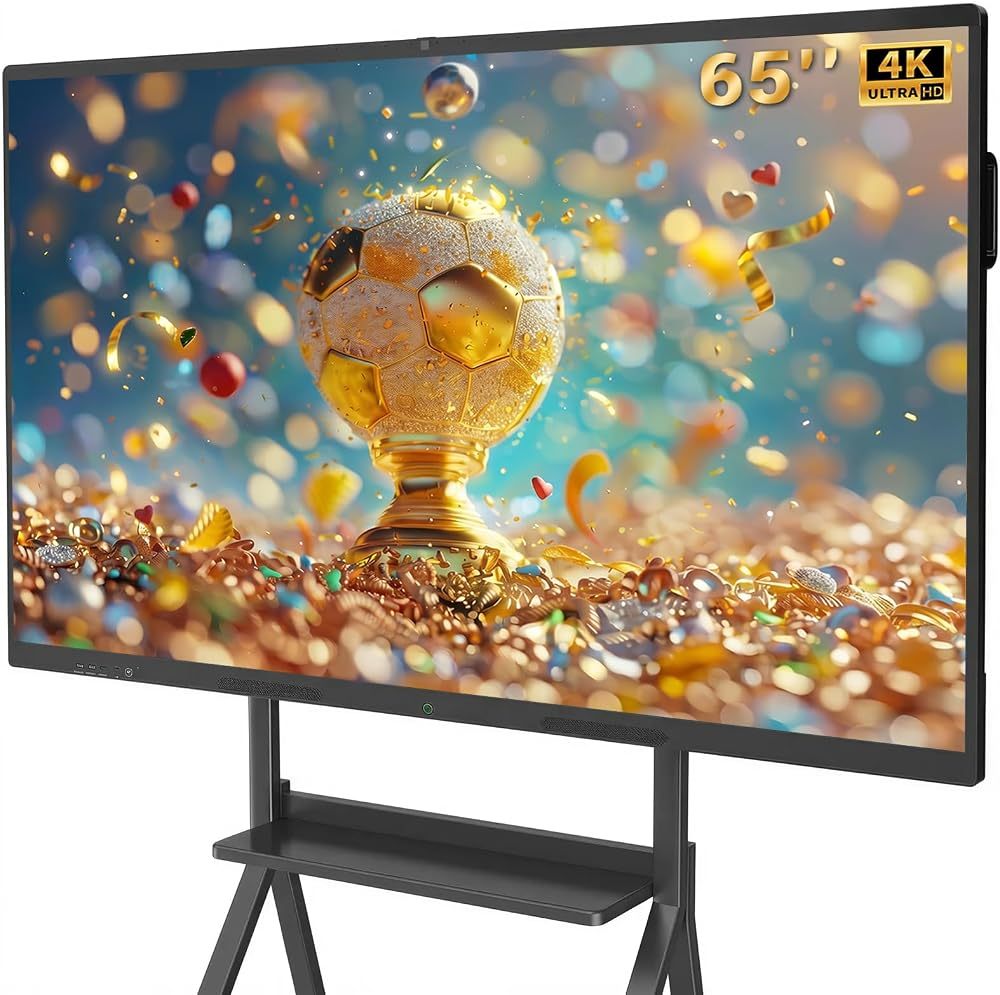
An interactive smart board is a large 4K touchscreen with a computer built in. You write on it like a whiteboard, open lessons and presentations, run video calls and share any laptop or phone wirelessly — all from one screen on the wall or on a rolling stand.
Smart board vs interactive whiteboard
Older interactive whiteboards were projector-based: a sensor board on the wall with a projector above it. Modern smart boards are all-in-one flat panels with the display, touch layer, speakers and operating system in one unit. They are brighter, have no shadows or bulbs to replace and work straight out of the box.
Smart boards for classrooms
- Write, annotate and save lessons; share notes with students.
- Use educational apps from Google Play on Android.
- Run hybrid lessons with the built-in camera and microphone array.
- Multi-touch lets several students work on the board at the same time.
Smart boards for business
- Present and annotate slides in meetings, then email the notes.
- Join video calls without extra webcams or speakerphones.
- Cast laptops and phones wirelessly — no HDMI hunting.
Which size?
- 55–65 inches — small meeting rooms, huddle spaces, home offices and smaller classrooms.
- 75 inches — standard classrooms and conference rooms.
- 86 inches — large classrooms, lecture spaces and boardrooms.
Features to check
- 4K UHD resolution and 20-point touch for group work.
- Enough RAM and storage (8 GB + 128 GB is comfortable) for apps and files.
- A built-in camera and microphones for hybrid use.
- Wireless screen sharing from Windows, Mac, Android and iOS.
Our picks
The QIXZOCV 65-inch smart board covers most classrooms and offices, the 75-inch model suits conference rooms, and the 86-inch board is the choice for large spaces.
Recommended QIXZOCV Models
QIXZOCV 65-Inch Smart Board
- 65" 4K multi-touch
- Android 14 + Google Play
- 13 MP camera
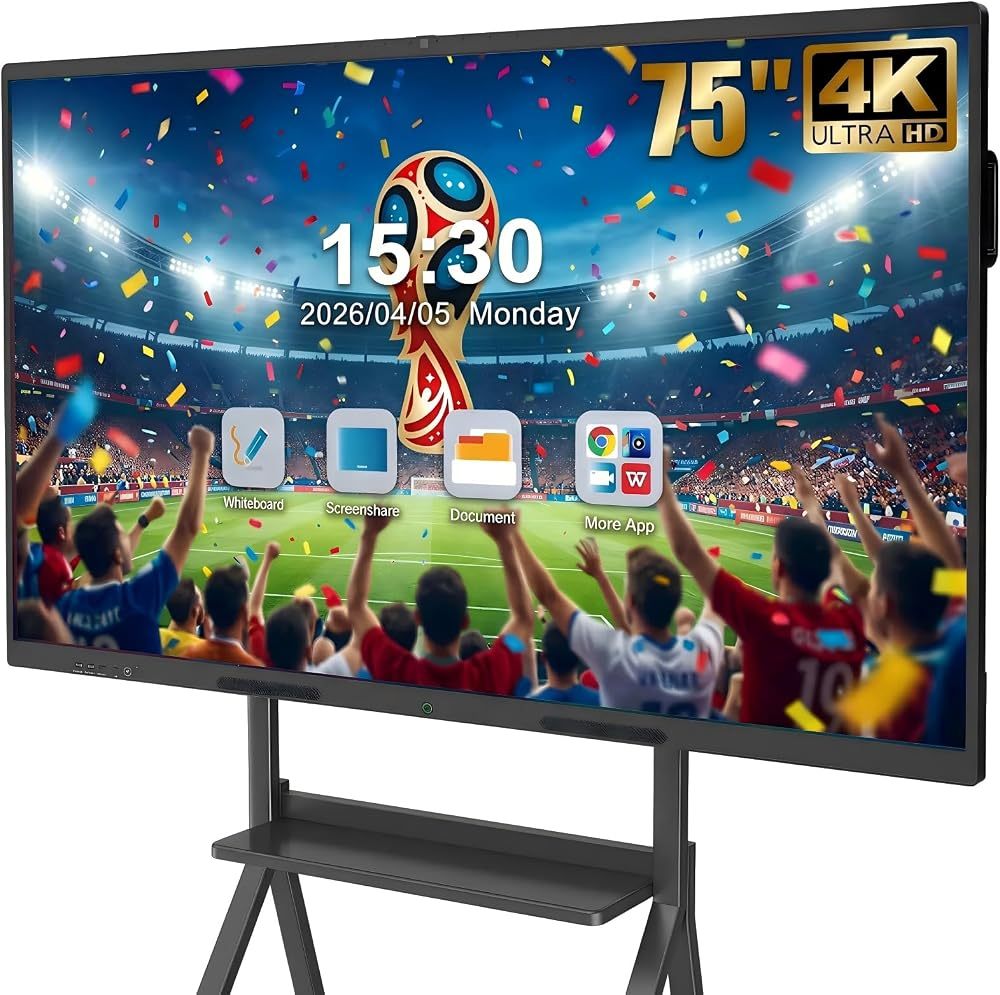
QIXZOCV 75-Inch Smart Board for Business
- 75" 4K
- Wireless casting
- Video conferencing
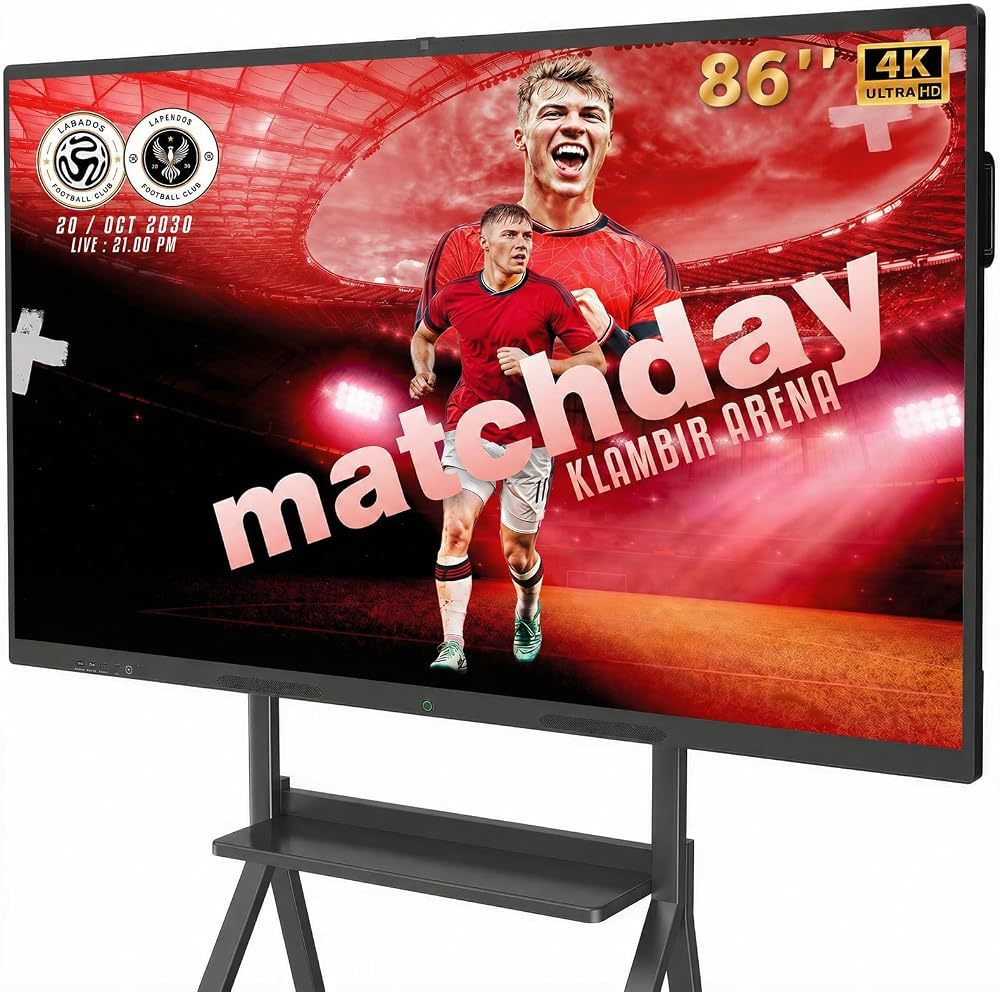
QIXZOCV 86-Inch Smart Board
- 86" 4K
- 20-point touch
- 8 GB + 128 GB