A digital menu board replaces printed menus with screens you can update in seconds. Change prices, swap breakfast for lunch automatically, promote today’s special with a looping video — without reprinting anything.
Why restaurants switch to digital signage
- Instant updates — prices, sold-out items and specials change from a phone.
- Day-parting — schedule breakfast, lunch and dinner menus to switch on their own.
- Movement sells — short food videos draw attention far better than static photos.
- Upselling — combo offers and add-ons shown right where customers decide.
Hardware options
- Countertop digital signage — a small screen at the till for daily specials, payment info or a short menu.
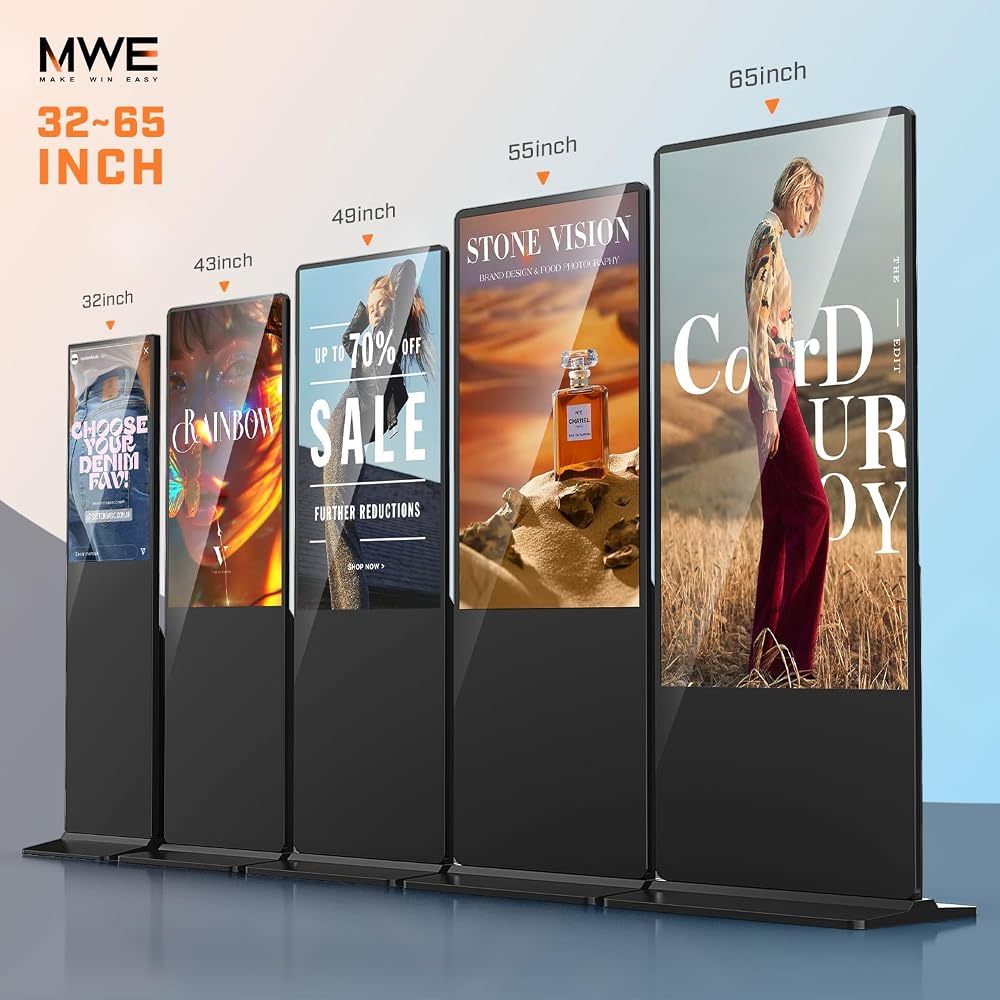
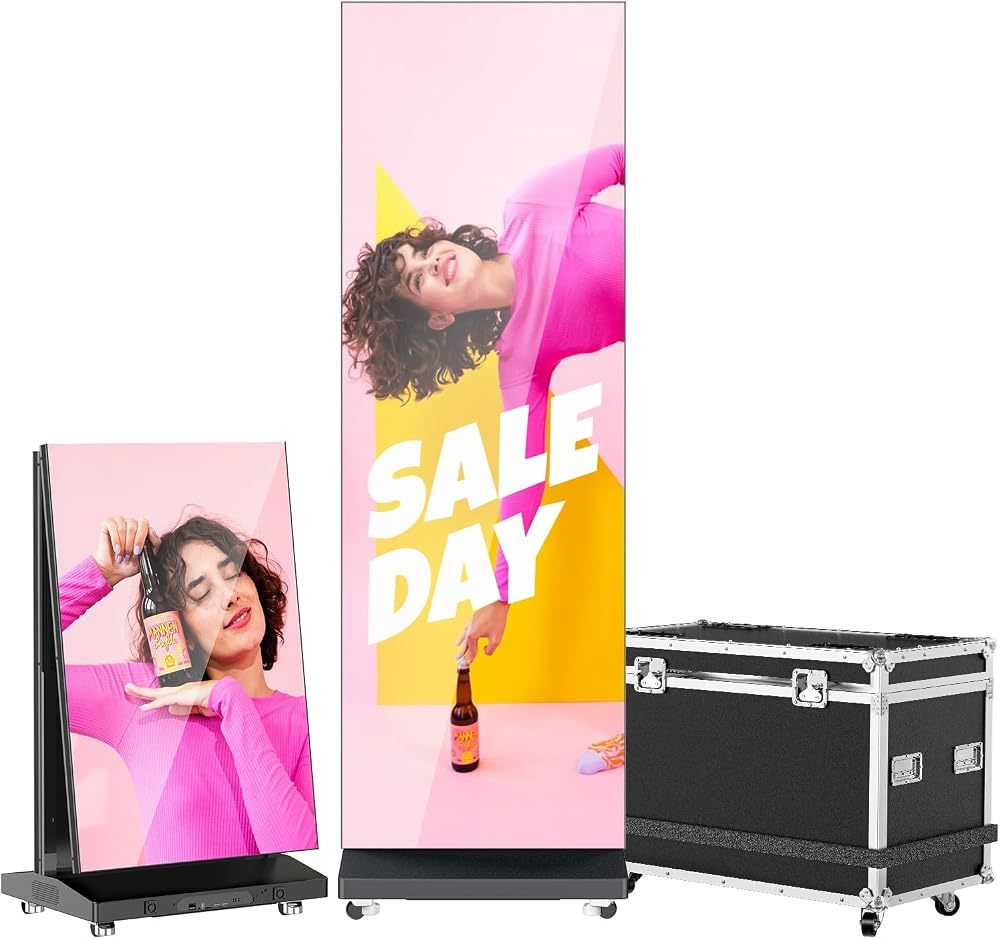
- Floor-standing menu kiosks — a vertical screen at the entrance or queue line, visible from the street.
- Self ordering kiosks — touchscreen stations where guests order and pay themselves, cutting queues at busy times. See touch screen kiosks.
- Window displays — 1000-nit screens that advertise your menu to passers-by.
Tips for a digital menu that sells
- Keep it readable: large prices, high contrast, no more than 6–8 items per screen.
- Use one moving element per screen, not ten.
- Put best sellers and high-margin items at eye level.
- Use split-screen: menu on one side, a promo video on the other.
How to update the menu
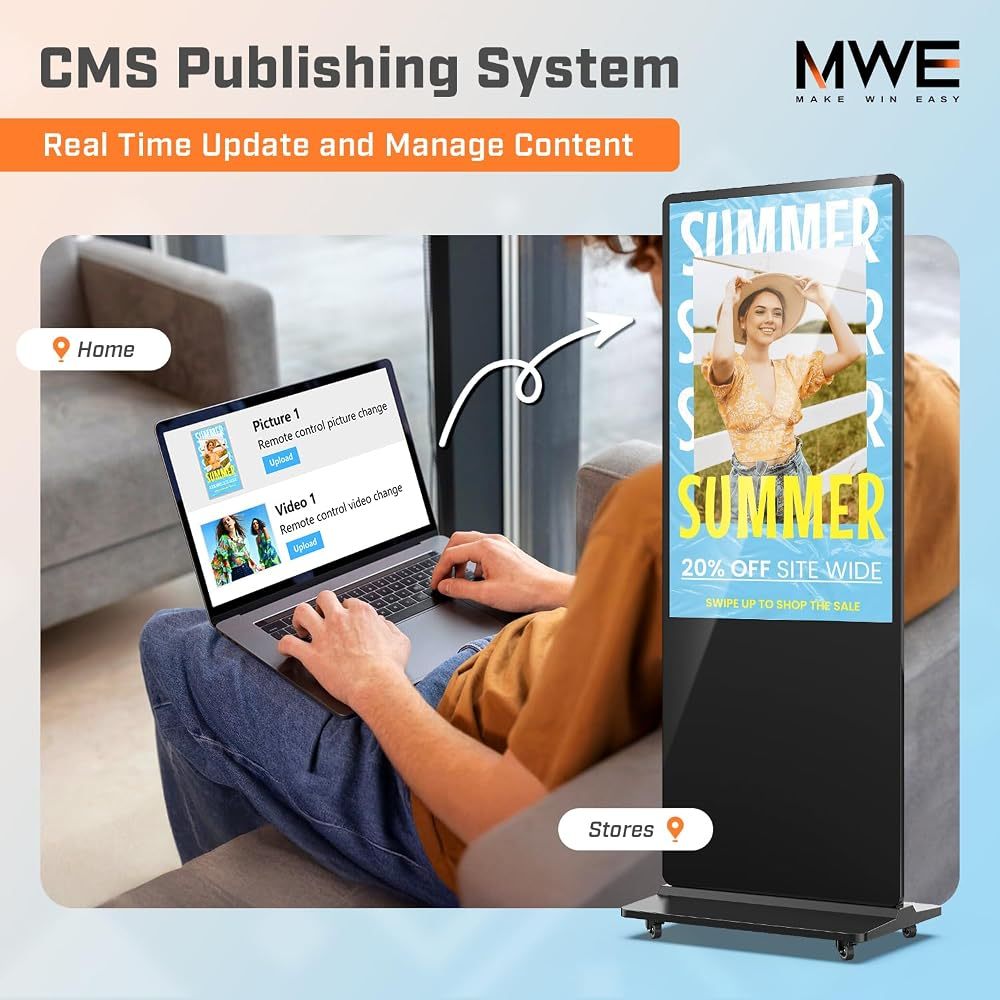
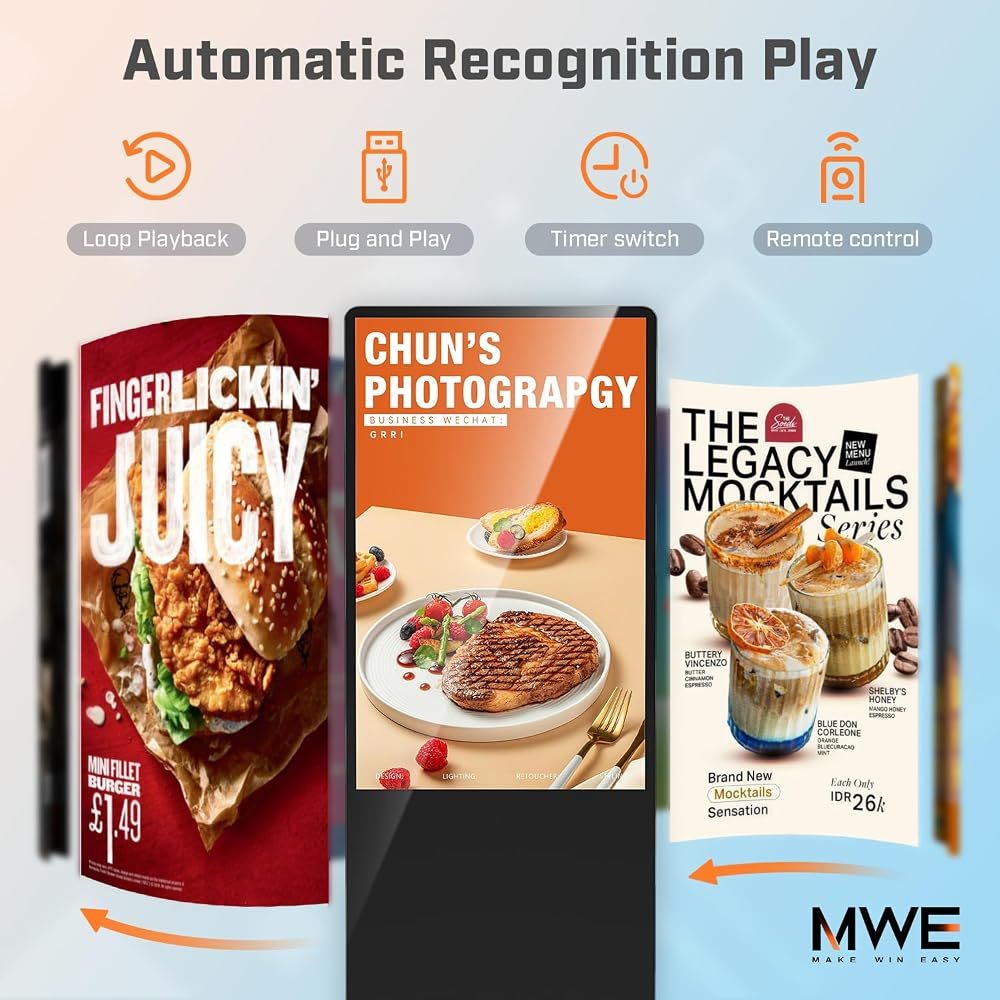
Most Android menu screens accept images straight from a USB stick, or from your phone through an app such as LEDArt. For several screens or locations a CMS lets you publish once and schedule everything — read how Android digital signage works.
Our picks
The QIXZOCV 10.1-inch tabletop display is ideal for counters, the 43-inch self-service kiosk handles ordering, and the 43-inch 4K floor kiosk works as an entrance menu board.
Recommended QIXZOCV Models
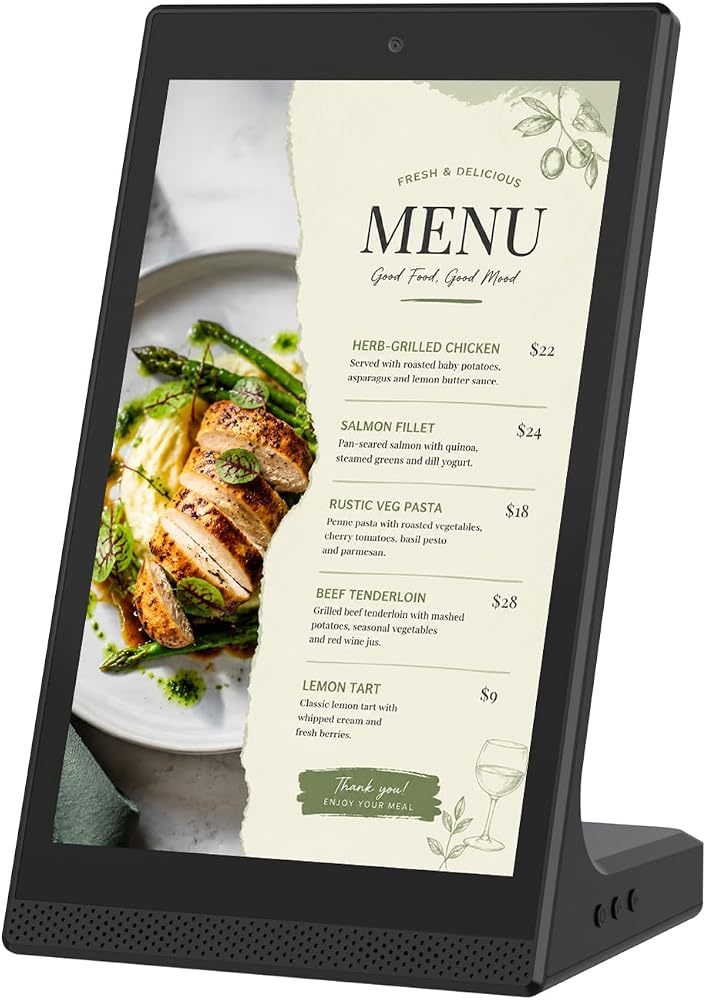
QIXZOCV 10.1-Inch Tabletop Touchscreen Display
- 10.1" touchscreen
- Countertop design
- Digital menu board
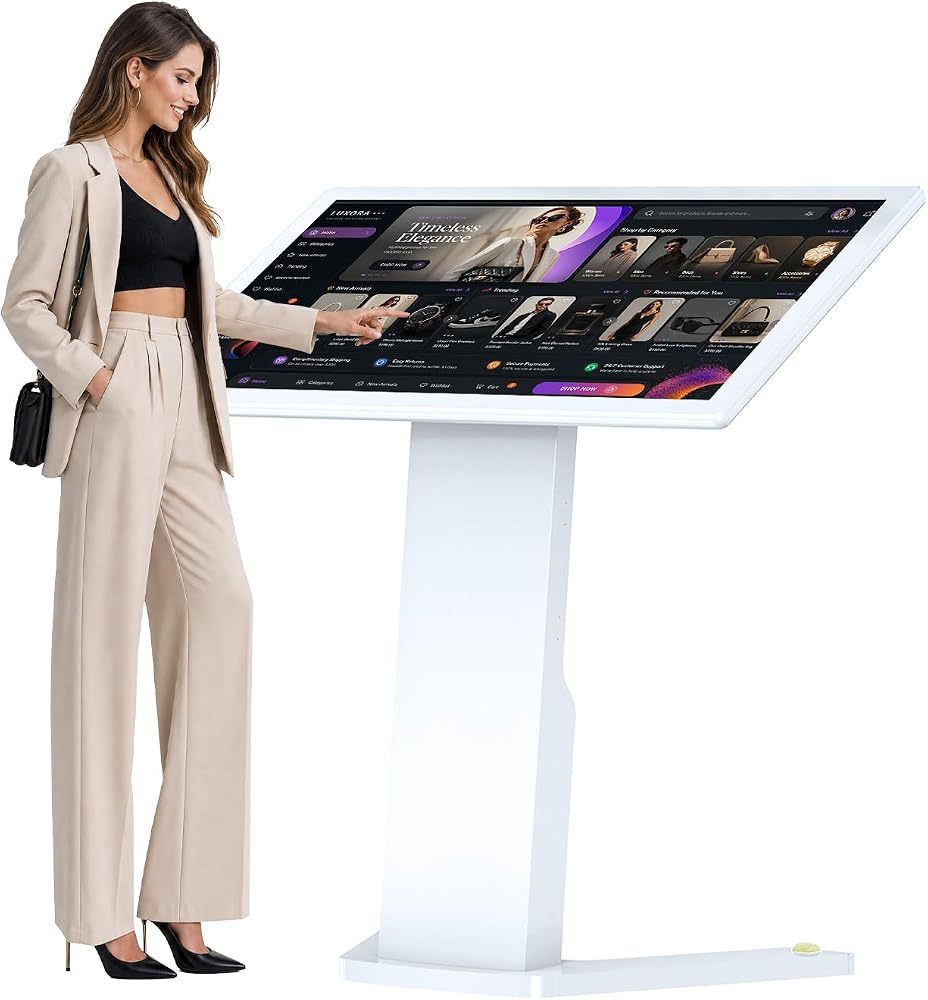
QIXZOCV 43-Inch Self-Service Touch Kiosk
- 43" FHD, 10-point touch
- Android 13
- Self-ordering & check-in
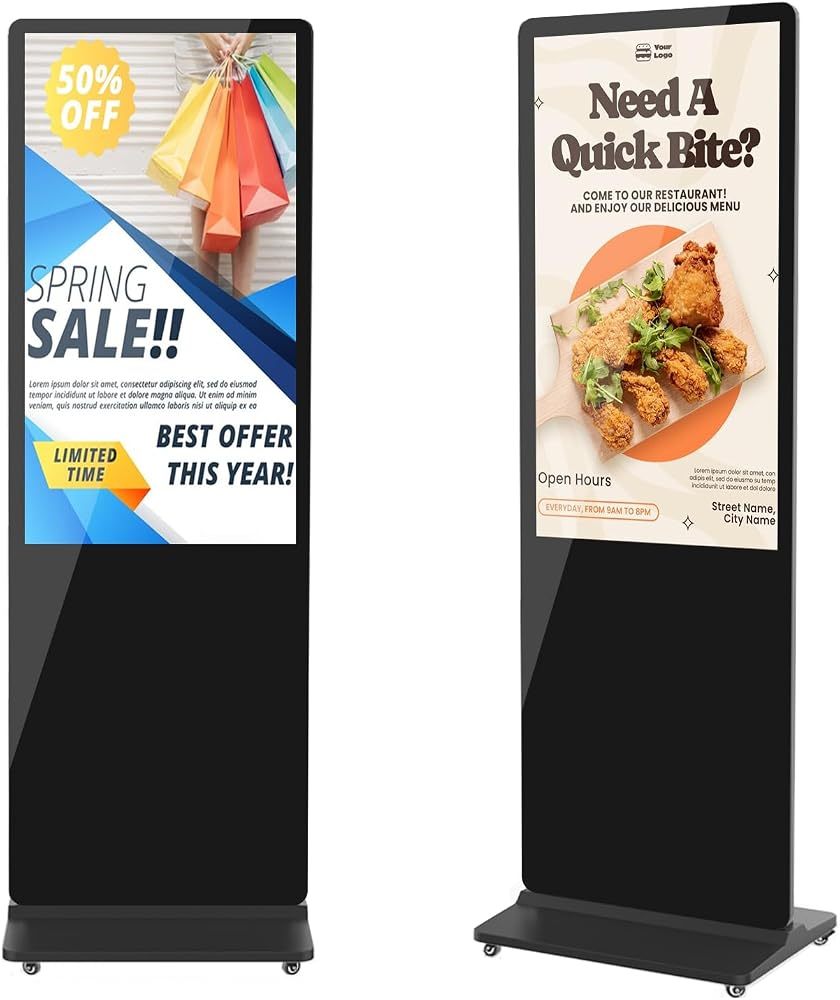
QIXZOCV MWE 43-Inch 4K Digital Signage Kiosk
- 43" 4K UHD
- Vertical poster format
- Timed on/off